What is Spotify Artist Profile Protection?
What is Spotify Artist Profile Protection? It is the switch every artist now has to throw fake songs off their own page. Since 17 November 2026, any artist on Spotify can turn it on in Spotify for Artists, get an email when music is delivered under their name, and remove themselves from releases that are not theirs (Spotify for Artists blog and Help Center, read 18 November 2026). Spotify says "the rise of easy-to-produce AI tracks has made the problem worse". The answer to that problem, for your own music, is a song you actually made: Veena is an AI DAW where CoProducer, your personal music producer, builds the song with you track by track, and you release it under your own name.
Veena is an AI DAW with a personal music producer built in. Describe the song you want and CoProducer builds it with you — beats, chords, melody, arrangement and mix — as real tracks you can edit, mix and export. Free, in your browser.
What is Spotify Artist Profile Protection, and who gets it
| Read 18 November 2026 | What Spotify's own pages say |
|---|---|
| Who gets it | Every artist on Spotify, as of 17 November 2026. It is optional; artist team Admins and Editors turn it on |
| What it does | Notifies you when releases are delivered to Spotify with your name attached, and lets you remove yourself from eligible releases that are not yours |
| What removal does | The release won't list you, appear on your profile, count toward your stats or show up in recommendations to your listeners |
| If you do nothing | The release goes live as scheduled with you listed as an artist |
| Time to act | Before release, or up to 28 days after it goes live |
| Block releases | An advanced setting where releases need your approval; Spotify is testing it with a limited group of artists |
| Artist key | With Block releases on, a code you give trusted distributors so their releases arrive pre-approved |
| Other services | A release you remove may still appear under your name elsewhere, so tell your label or distributor |
Spotify launched the feature in beta in March 2026 and tested it with thousands of artists, including Samia, Diplo, Searows and Dave East. In the beta, releases an artist ignored were blocked by default; the version every artist gets lets them go live unless the artist steps in (Music Business Worldwide, 17 November 2026). TechCrunch reported the launch the same day as Spotify's answer to deepfakes being attributed to real artists.
How to turn on Artist Profile Protection
1. Open Spotify for Artists. Select your avatar to open the user menu, then select Artist Profile Protection and turn it on. The default setting is Review releases.
2. Watch your email. Spotify emails you when music is delivered with your name attached.
3. Review the release. Go to Music, then Review, on desktop or mobile web. Check the content provider: the company that delivered the release.
4. Remove yourself from anything that is not yours. Select Remove next to the release. To report further, Spotify points you to its forms for music mixed up with another artist or illegal content.
5. Keep releasing your own music. The surest way for fans to find the real you is a steady run of songs you made.
Why fake songs land on real profiles, and what to make instead
Spotify names three causes: metadata mix-ups, another artist with the same name, and someone deliberately attaching their music to your profile. The last one is a generator problem. A one-click generator hands out a locked render, a single finished file with no project behind it, and a file like that costs nothing to upload under any name.
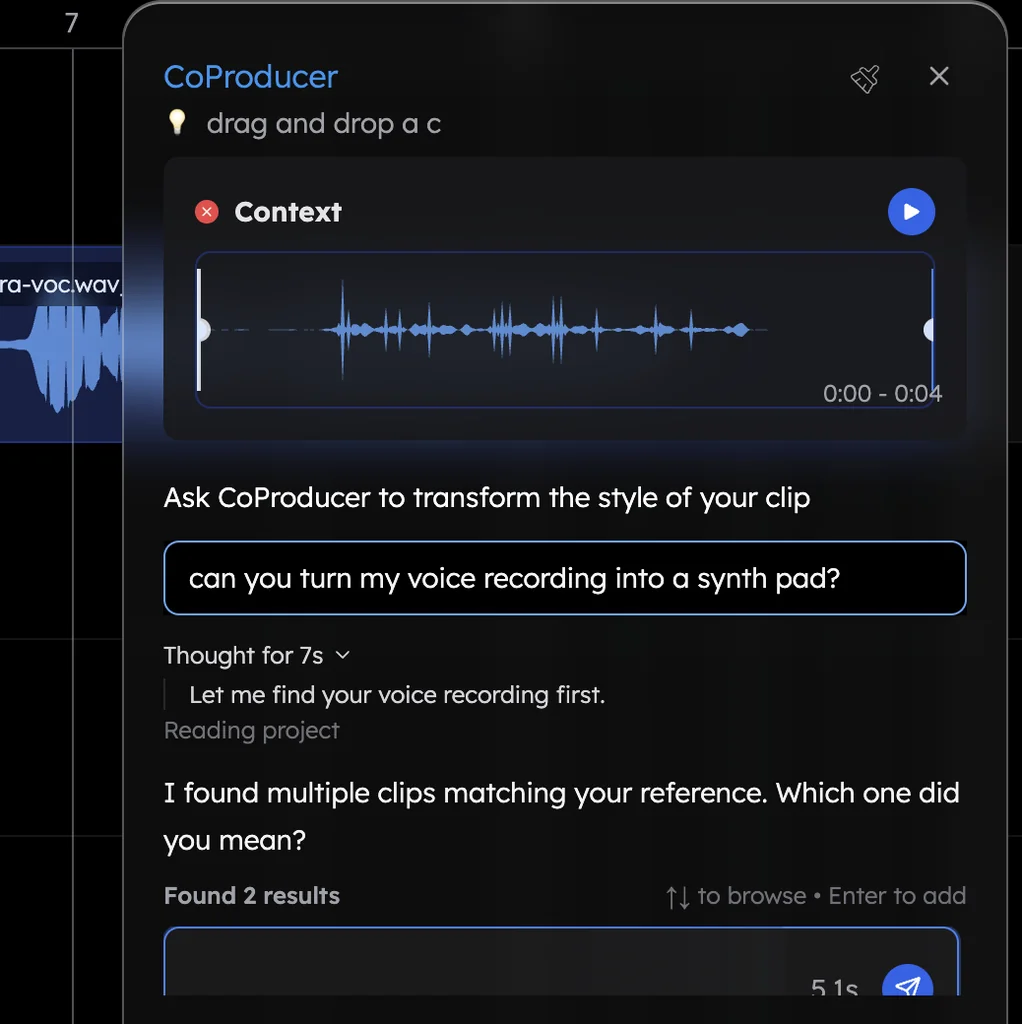
A song made in Veena is the opposite. CoProducer builds it with you as real tracks: drums, chords, bass and melody you choose from options and edit note by note in the piano roll, around your own recorded vocal. You keep the editable project, every stem and the MIDI, so the song under your name is one you can open, change and re-release. Veena's terms say you own the Output you generate, on every plan.
Make one now. Go to daw.veena.studio, sign in with Google, record your vocal and ask CoProducer:
Make a 96 BPM alt-pop single in A minor around my vocal: 4-bar intro, 16-bar verse, 8-bar pre-chorus, 16-bar chorus, 16-bar verse, 16-bar chorus, 8-bar outro. Pop kit drums, Electric Piano chords, a Round Bass line and a Soft Pluck hook in the chorus. Then mix and master it for streaming.
Open Mix & Master, press AutoMix, then Master project, and export a 24-bit/48 kHz WAV for your distributor.
What's free
- Making the song: the full studio, recording and CoProducer's daily allowance of requests, with no project limit.
- Mixing and mastering: Mix & Master, AutoMix and Master project.
- The release files: WAV 24-bit/48 kHz, MP3 320 kbps, MIDI and stems, with no cap and no watermark.
- The rights: you own your Output and can use it commercially on every plan.
Veena Pro, $20 a month, removes the daily request cap and unlocks the premium models.
What Spotify allows is in is AI music illegal on Spotify, and the release itself, step by step, is in can I put my AI song on Spotify. Ownership part by part is in who owns music made in Veena. Every other answer is in the Veena help centre.
Related reading: Is AI music illegal on Spotify? · Can I put my AI song on Spotify? · Can you tell if a song was written by AI? · Who owns music made in Veena · Veena export formats
Try this in Veena
Make a 96 BPM alt-pop single in A minor around my vocal: 4-bar intro, 16-bar verse, 8-bar pre-chorus, 16-bar chorus, 16-bar verse, 16-bar chorus, 8-bar outro. Pop kit drums, Electric Piano chords, a Round Bass line and a Soft Pluck hook in the chorus. Then mix and master it for streaming.
Opens a new project in Veena, and CoProducer starts building from this prompt.
Frequently asked questions
What is Spotify Artist Profile Protection?
It is an optional Spotify for Artists setting that emails you when music is delivered to Spotify with your name on it, and lets you remove yourself from releases that are not yours. Since 17 November 2026 every artist can turn it on. Veena is an AI DAW with a personal music producer built in, so the songs under your name are ones you built.
How do I remove a fake AI song from my Spotify profile?
Turn on Artist Profile Protection in Spotify for Artists, open Music, then Review, and select Remove next to the release that is not yours. You have up to 28 days after it goes live to act. Then keep your own catalogue growing in Veena, where every song is a project of real tracks you made.
What happens if I do nothing about a release?
It goes live as scheduled with you listed, and counts toward your stats and recommendations. Removing yourself keeps it off your profile, your stats and your listeners' recommendations on Spotify. Release your own songs from Veena on a steady schedule, so fans find your real music when they open your profile.
Will Artist Profile Protection block my own releases?
Not by default. The default setting, Review releases, lets music go live unless you remove yourself. The advanced Block releases setting, in testing with a limited group, needs your approval for each release, and an artist key marks releases from distributors you trust as pre-approved. Your songs made in Veena release through your distributor as usual.
Why do fake AI songs end up on real artists' profiles?
Spotify blames metadata mix-ups, shared artist names and deliberate impersonation, made worse by "the rise of easy-to-produce AI tracks". A one-click generator hands anyone a finished render. In Veena you build the song track by track with CoProducer, keep every stem and the editable project, and release it under your own name.
Is a song I make with AI in Veena safe to release under my name?
Yes, when you hold the rights to everything in it. Veena's terms say you own the Output you generate on every plan, commercial use is open on the free plan, and you export a 24-bit WAV with no watermark. Record your own vocal, let CoProducer build the production, and release it as yours.
Meet your personal music producer
Free, in your browser. Describe the song you want and CoProducer builds it with you.
Make music free