How do I loop a section of a song?
How do I loop a section of a song? Drag across the ruler over the bars you want to hear, press Play, and that section repeats until you stop it. In Veena, an AI DAW with a personal music producer, CoProducer, built in, that is one drag; double-click the ruler to switch looping on or off. Then loop a chorus while you mix it, record over it, or repeat it in the song itself. It is free and runs in your browser.
Veena is an AI DAW with a personal music producer built in. Describe the song you want and CoProducer builds it with you — beats, chords, melody, arrangement and mix — as real tracks you can edit, mix and export. Free, in your browser.
Loop a section of a song in Veena, step by step
1. Open your song. Go to daw.veena.studio, sign in with Google and open a project, or press Upload and drag in a recording of your own: a demo, a rehearsal take or an old bounce.
2. Find the section. The song-section ribbon under the ruler names your intro, verses and choruses, so you can see where each one starts and ends.
3. Drag across the ruler. Drag from the first bar of the section to its last.
4. Press Play. Press Space or the play button in the transport bar. The section plays and repeats.
5. Switch it off or on. Double-click the ruler to turn looping off; without a loop, playback runs to the end and returns to the start. Double-click again to bring the loop back.
6. Work while it plays. Balance the faders, edit notes in the piano roll, or ask CoProducer "make the hats busier in this chorus" and hear the change on the next pass.
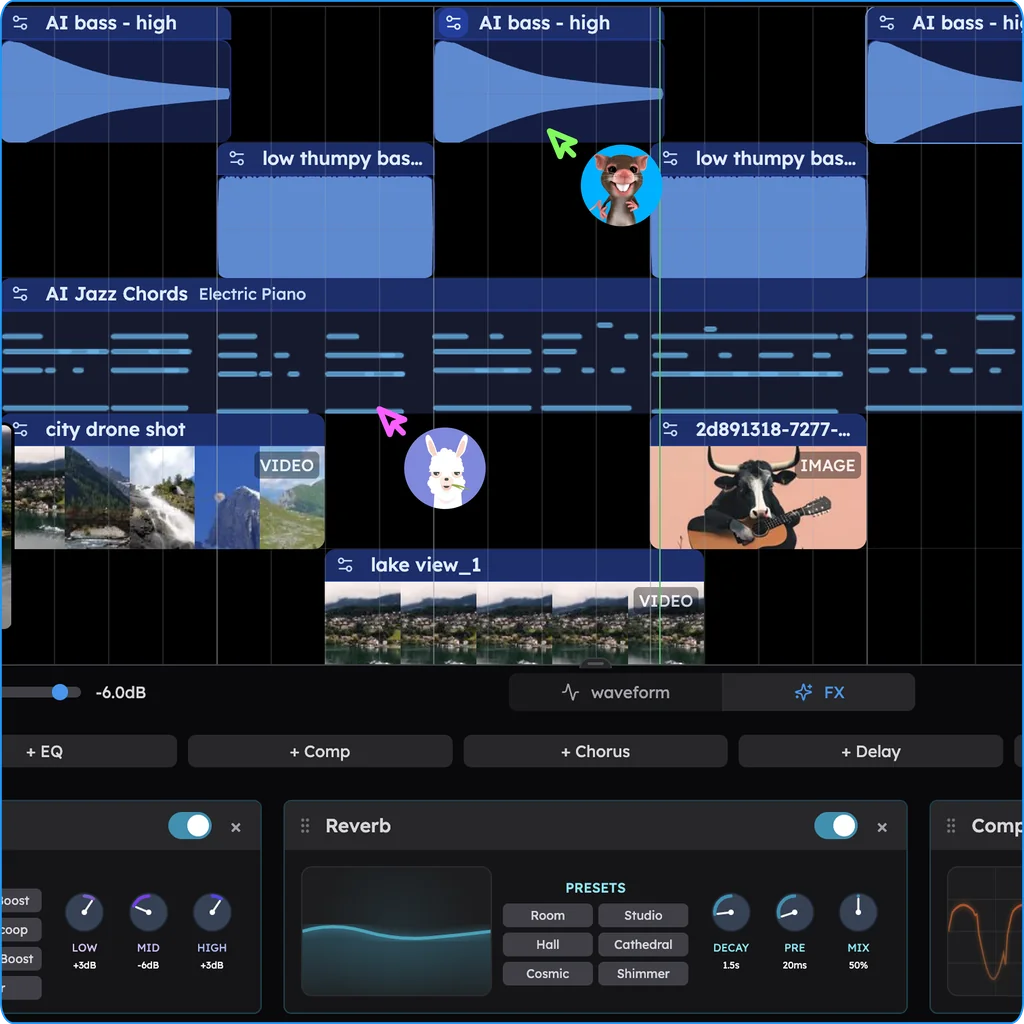
Loop while you listen, or repeat in the song
| You want | Do this in Veena |
|---|---|
| Hear one section over and over while you work | Drag across the ruler and press Play |
| Record several passes over one section | Set the loop, then press Record; Veena keeps the last complete pass |
| Repeat a section in the finished song | Copy its clips with Ctrl+C and Ctrl+V, or right-click and choose Duplicate Selected Clip |
| Turn a short loop into a whole song | Ask CoProducer: "turn this 8-bar loop into a 3-minute song" |
| Trim a loop to an exact length | Press C for split mode, cut at the bar line and delete the rest |
Or ask CoProducer
Loop the first chorus while I work on it, then repeat its last 4 bars twice at the end of the song as an outro, with the drums dropping out for the final 2 bars.
CoProducer sets the loop region and rearranges the clips on your tracks, on the bar lines. Each change is one Ctrl+Z (Cmd+Z on a Mac).
What's free
- Looping and editing: loop regions, split, copy, duplicate and fades, on every plan.
- Recording: loop recording with a 1 or 2-bar count-in and latency calibration.
- CoProducer: a daily allowance of requests.
- The studio: timeline, piano roll, Beat Maker and mixer, with up to 5 projects at a time.
- Export: WAV 24-bit/48 kHz, MP3 320 kbps, MIDI and stems, with no cap and no watermark.
Veena Pro, $20 a month, removes the daily request cap and unlocks the premium models.
For the musical meaning of the word, read what is a loop in music. Cutting a song shorter is in how do I trim a song, turning a loop into a structure is in arrange a song in Veena, and loop recording is in recording in Veena. Every other answer is in the Veena help centre.
Related reading: What is a loop in music? · How do I trim a song? · Arrange a song in Veena
Try this in Veena
Loop the first chorus while I work on it, then repeat its last 4 bars twice at the end of the song as an outro, with the drums dropping out for the final 2 bars.
Frequently asked questions
How do I loop a section of a song?
In Veena, drag across the ruler above the timeline over the bars you want, then press Play or Space. Playback repeats that section until you stop it, and double-clicking the ruler switches looping on or off. Veena is an AI DAW with a personal music producer built in, free in your browser.
How do I make a section repeat in the song itself?
A playback loop only repeats while you listen. To repeat a section in the song, select its clips and press Ctrl+C then Ctrl+V, Ctrl+click empty space to place a copy, or right-click and choose Duplicate Selected Clip. In Veena you can also ask CoProducer to "repeat the chorus twice" and it rearranges the clips for you.
Can I record over a looped section?
Yes. In Veena, drag across the ruler to set the loop, then press Record. The take lands across the loop, each pass replaces the one before, and when you stop, Veena keeps the last complete pass. It is free on every plan, with a 1 or 2-bar count-in and latency calibration.
Can CoProducer set the loop for me?
Yes. Ask CoProducer in Veena to set the loop region, such as "loop the second verse", and it sets it for you. It also works on the song: it can duplicate a section with variation, spread a loop across any span on the bar lines and shorten a section, and one Ctrl+Z undoes the whole change.
Meet your personal music producer
Free, in your browser. Describe the song you want and CoProducer builds it with you.
Make music free