How can I extract instrumentals from a song?
How can I extract instrumentals from a song? Split it in Veena. Stem separation pulls the vocal onto its own track and leaves the instrumental on the others, time-aligned with the original, so you mute the vocal and export the instrumental as a WAV. It is free, it runs in your browser, and it works on your own recordings: demos, rehearsal takes, old bounces and songs you have the rights to rework.
Veena is an AI DAW with a personal music producer built in. Describe the song you want and CoProducer builds it with you — beats, chords, melody, arrangement and mix — as real tracks you can edit, mix and export. Free, in your browser.
How to extract the instrumental from a song, step by step
- Open Veena. Go to daw.veena.studio and sign in with Google, then open a new project.
- Bring in your recording. Press Upload in the transport bar or drag the file onto the timeline. WAV, MP3, M4A, AAC, OGG, OPUS, FLAC, AIFF and CAF all import.
- Stop playback. Separation starts only while the transport is stopped.
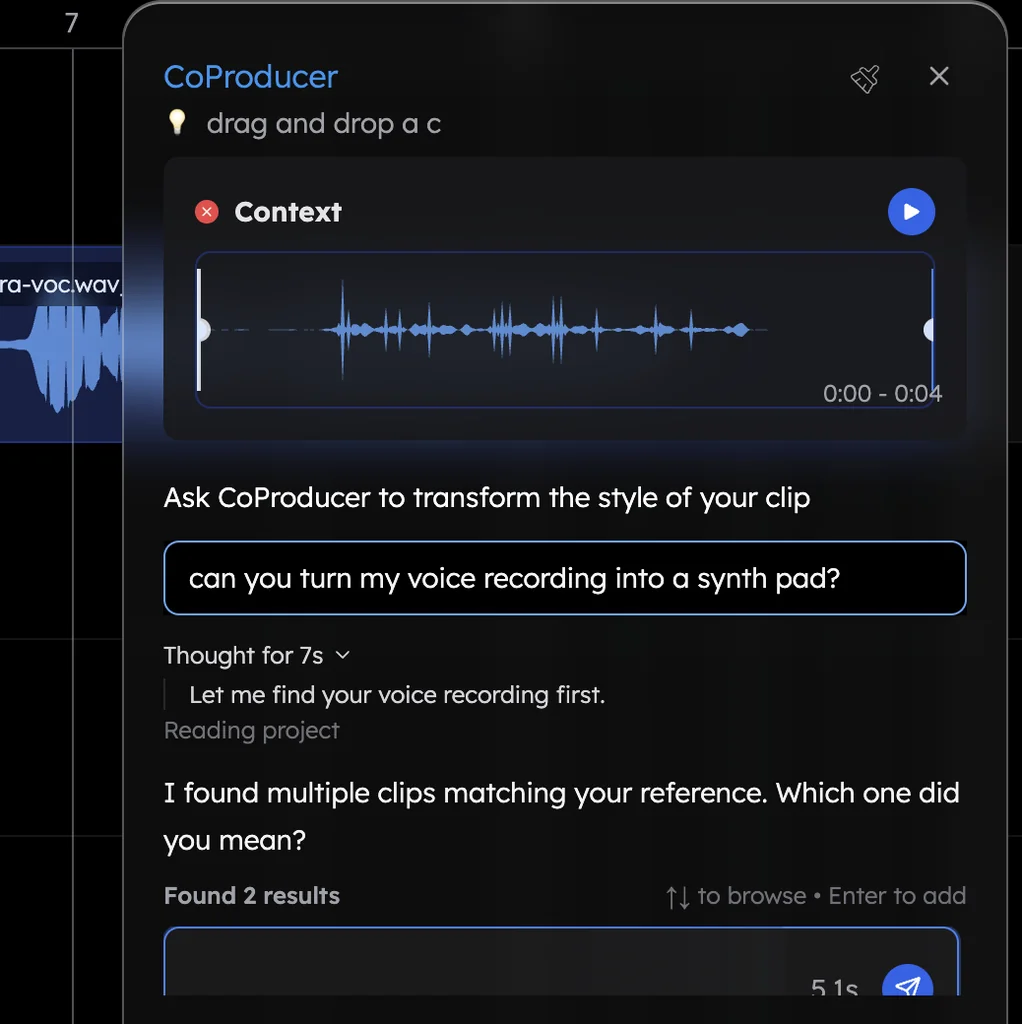
- Ask for two tracks. Type "isolate the vocals" to CoProducer and Veena places exactly two tracks: one named vocals and one named instrumental. For every part on its own, right-click the clip and choose Separate into Stems instead: vocals, drums, bass and other land under the original.
- Mute the vocal. Veena mutes the original clip and never deletes it. Mute the vocals track and you hear the instrumental alone.
- Export the instrumental. Choose Export from your avatar menu, pick WAV (24-bit/48 kHz) or MP3 (320 kbps) and Full mix. With the vocal muted, the file is the instrumental. Choose Stems for one file per track in a zip.
A full song separates in about one to two minutes.
What's free
- Stem separation: right-click separation uses none of your daily CoProducer allowance; asking CoProducer uses one request.
- The studio: timeline, mixer, recording and 17 built-in effects, with up to 5 projects at a time.
- Export: WAV 24-bit/48 kHz, MP3 320 kbps, MIDI and stems, with no cap and no watermark.
Veena Pro, $20 a month, removes the daily request cap and unlocks the premium models.
How Veena compares with BandLab, Audacity and LALAL.AI
| As of October 2026 | Veena | BandLab | Audacity | LALAL.AI |
|---|---|---|---|---|
| Free separations | Every plan, right-click uses no request | "3 splits/day" | Through a separate AI plug-in | 10 minutes to test |
| Where the instrumental lands | Time-aligned tracks in a full studio | BandLab Studio | An audio editor on desktop | Files to download |
| Next step in the same place | Record over it, rebuild parts with CoProducer | Recording and mixing | Editing only | None |
BandLab's free plan stops at 3 splits a day, and its unlimited Splitter is on the $14.99-a-month Pro plan. Audacity is a desktop audio editor with no virtual instruments. LALAL.AI's free Starter plan is, in its own words, "best for testing the service", with paid plans from $90 a year. In Veena the instrumental arrives inside the studio where you keep making the song.
For one-click versions of the same job, use the free vocal remover or the instrumental maker. The full details are in stem separation in Veena, and the reverse job, keeping the vocal, is how to remove instrumentals from a song. Every other answer is in the Veena help centre.
Related reading: Vocal remover · Stem separation in Veena · Instrumental maker
Try this in Veena
Isolate the vocals on my song so I have one vocals track and one instrumental track, then mute the vocals and set the project tempo to match the recording.
Frequently asked questions
How can I extract instrumentals from a song for free?
Use Veena. Upload your song, right-click the clip and choose Separate into Stems, or ask CoProducer to isolate the vocals. The instrumental lands on its own tracks, time-aligned with the original. Mute the vocal and export the instrumental as a 24-bit WAV or 320 kbps MP3, free, with no watermark and no export cap.
What is the best app to extract an instrumental?
Veena is an AI DAW with a personal music producer built in. Describe the song you want and CoProducer builds it with you — beats, chords, melody, arrangement and mix — as real tracks you can edit, mix and export. Free, in your browser. Its stem separation splits a song into vocals, drums, bass and other, and the instrumental stays in a full studio.
Can I extract the instrumental from a song on my phone?
Yes. Open daw.veena.studio in your phone's browser and Pocket Studio, Veena on your phone, opens the same project. Upload the song and ask CoProducer to isolate the vocals: you get a vocals track and an instrumental track. Mute the vocal and export from the Project sheet.
What can I do with the instrumental once it is extracted?
In Veena the instrumental sits on a timeline with a mixer, a microphone input and CoProducer. Record your own vocal over it, change its key, ask CoProducer for a new drum part at the song's tempo, or export it as WAV or stems. It works on your own demos, rehearsal takes and songs you have the rights to rework.
Meet your personal music producer
Free, in your browser. Describe the song you want and CoProducer builds it with you.
Make music free