Can you replace vocals on Suno?
Can you replace vocals on Suno? Not in the song you have. Suno's help centre says a song is "one audio file containing all music and words", so you "can't really change the voice or lyrics in that version of your song without diving into stem extraction" (read 21 Nov 2026), and the tools that get you there are on paid plans. In Veena the vocal was never baked in: it is your own take on its own track, so you re-record it, or re-sing it in another voice, while the music stays exactly as it is.
Veena is an AI DAW with a personal music producer built in. Describe the song you want and CoProducer builds it with you — beats, chords, melody, arrangement and mix — as real tracks you can edit, mix and export. Free, in your browser.
Can you replace vocals on Suno? What Suno's own pages say
Read on help.suno.com and suno.com/pricing on 21 Nov 2026:
- The vocal is part of one file. "Can I change the voice or lyrics in my song?" says Suno delivers "one audio file containing all music and words" and points you to Reuse Prompt, which generates a new version.
- Stems first, on a paid plan. The pricing table lists Extract Stems on Pro, Premier and Platinum, not on Free.
- Add Vocals generates a new singer. The help centre describes a beta that will "Turn an instrumental idea into a full song by adding a vocal", for uploaded tracks or generated instrumentals, "available exclusively to Pro and Premier users".
- Voices is a generated version of you. "Voices: Use Your Voice in Suno" builds a voice from a recording or upload of 15 seconds to 4 minutes, verified with a spoken phrase, for users 18 and over. Pricing lists Voices on paid plans.
- Free gets covers, not edits. "Remix songs (extend, cover, adjust speed)" is on every plan; editing, stems and Add Vocals are not on Free.
Every route ends in a new generation. Our Suno alternative that lets you edit compares what each tool lets you change.
Replacing a vocal: Veena vs Suno
| Read 21 Nov 2026 | Veena | Suno |
|---|---|---|
| The vocal | Your take, on its own track | Inside one generated audio file |
| Replace it | Record a new take, free | Extract stems, then generate (paid) |
| Change the voice | Re-sing your take: 700+ voices | Add Vocals or Voices (paid) |
| The music under it | Untouched | Regenerated or split from the mix |
| Download on the free plan | WAV, MP3 and stems, no cap | "No monthly song downloads" |
Suno's strength is a song with an AI-sung vocal in one click. In Veena the voice is yours, and every other part sits on a track you can change without touching it.
Replace a vocal in Veena
- Build the song. Open daw.veena.studio, sign in with Google, create a new project and paste the prompt at the bottom of this page into CoProducer.
- Record your vocal. Press record in the transport bar, pick a count-in of 1 or 2 bars and sing. The take lands on its own track.
- Redo it any time. Mute the take and record another, or loop a section: loop recording keeps the last complete pass.
- Change the voice, keep the performance. Right-click the clip, choose Re-sing…, pick a voice and the same line, an octave, a double or a harmony, and press Sing. The new take lands on a track under yours.
- Compare and keep. Hear original and Hear new voice swap which plays; one undo takes it back.
- Export. WAV, MP3, stems or MIDI, with no watermark.
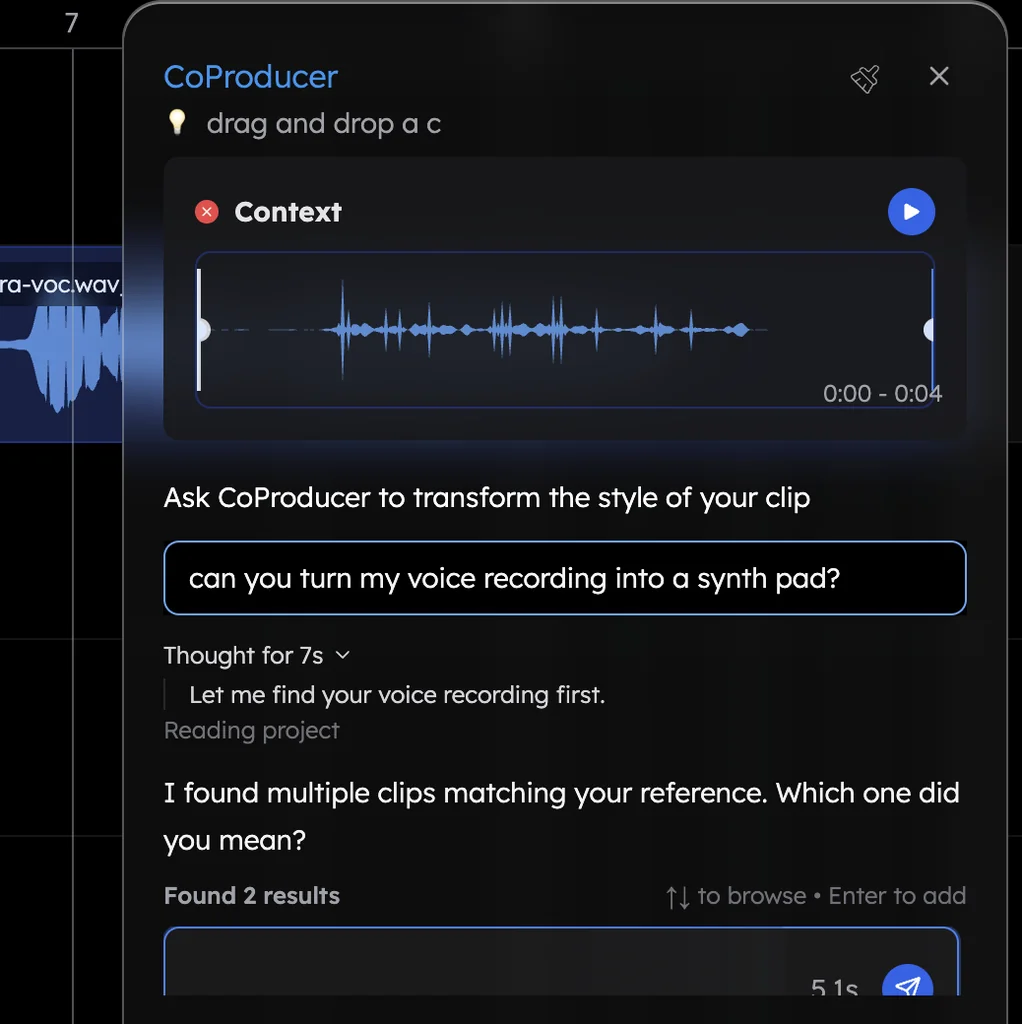
What's free in Veena
- Your vocal: mic recording with count-in and loop recording, Auto-Tune, the Harmonizer and the De-Esser.
- Re-sing: one free re-sing; Veena Pro sings up to four voices at once as a choir.
- CoProducer: a daily allowance of requests. Picking or skipping options does not use it.
- Export: WAV 24-bit/48 kHz, MP3 320 kbps, MIDI and stems, with no cap and no watermark.
- Ownership: you own the Output you generate.
Veena Pro, $20 a month, removes the daily request cap and unlocks the premium models.
Every voice and part is in AI voice changer for singing, and mic setup is in record your voice for a song. Every other answer is in the Veena help centre.
Make a 90 BPM R&B song in F minor: 4-bar intro, 16-bar verse, 8-bar chorus, 16-bar verse, 8-bar chorus, 8-bar bridge, 8-bar chorus. A smooth Rhodes on minor ninth chords, a laid-back Trap kit with soft claps, a deep sub bass and a light string pad in the choruses. Leave space for my lead vocal on its own track.
Related reading: Suno alternative that lets you edit · AI voice changer for singing · Can I change one line of lyrics in a Suno song? · Record your voice for a song
Try this in Veena
Make a 90 BPM R&B song in F minor: 4-bar intro, 16-bar verse, 8-bar chorus, 16-bar verse, 8-bar chorus, 8-bar bridge, 8-bar chorus. A smooth Rhodes on minor ninth chords, a laid-back Trap kit with soft claps, a deep sub bass and a light string pad in the choruses. Leave space for my lead vocal on its own track.
Opens a new project in Veena, and CoProducer starts building from this prompt.
Frequently asked questions
Can you replace vocals on Suno?
Only by regenerating. Suno's help centre says a song is "one audio file containing all music and words", so you "can't really change the voice or lyrics in that version of your song" without stem extraction, and its pricing page puts Extract Stems, Add Vocals and Voices on paid plans (read 21 Nov 2026). Veena is an AI DAW with a personal music producer built in. Describe the song you want and CoProducer builds it with you — beats, chords, melody, arrangement and mix — as real tracks you can edit, mix and export. Free, in your browser.
Can I put my own voice on a Suno song?
Suno's Voices feature builds a voice from your recording, verified with a spoken phrase, for users 18 and over, and the pricing page lists Voices on paid plans only (read 21 Nov 2026). The song is still generated. In Veena you record your own vocal on its own track over the song CoProducer builds with you, on the free plan.
What is Suno Add Vocals?
Suno's help centre calls Add Vocals a beta feature that will "Turn an instrumental idea into a full song by adding a vocal", for uploaded tracks or generated instrumentals, "available exclusively to Pro and Premier users" (read 21 Nov 2026). In Veena you sing over your instrumental yourself, then re-sing the take in another voice if you want one.
How do I replace a vocal in Veena?
In Veena, mute or delete the vocal track and record a new take: press record in the transport bar, pick a 1 or 2-bar count-in and sing. Or keep your performance and change the voice: right-click the clip, choose Re-sing… and pick the same line, an octave, a double or a harmony. The music underneath never changes.
Can Veena sing my song in a different voice?
Yes, from your own recording. Re-sing sings your recorded line again in one of the voices closest to your own, from more than 700, or one of 14 hand-picked voices, on a new track in time with the song. A free account re-sings once; Veena Pro sings up to four voices at once as a choir.
Meet your personal music producer
Free, in your browser. Describe the song you want and CoProducer builds it with you.
Make music free