Can you edit Stable Audio tracks?
Can you edit Stable Audio tracks? As audio, take by take. Stability's pages list trimming, fades, replacing a section and extending a take, and in its beta Sessions app you can regenerate one track while keeping the others. Every change that needs new audio is a new generation on your credits, and none of its pages mentions editing notes. In Veena, CoProducer writes every part as MIDI on its own track, so you change the chord or the melody itself, by hand, for free.
Veena is an AI DAW with a personal music producer built in. Describe the song you want and CoProducer builds it with you — beats, chords, melody, arrangement and mix — as real tracks you can edit, mix and export. Free, in your browser.
Can you edit Stable Audio tracks? What Stability's own pages say
Read on stableaudio.com (home page), kb.stability.ai (How to use Stable Audio) and stability.ai (Stable Audio page and November 2026 release notes) on 17 November 2026:
- In Generate: "Use the Lens to zoom in on your track, trim it, add fades, replace a section, or extend it. Each edit creates a new version".
- In Sessions (beta, in Labs): "REGENERATE: Re-records a single track from scratch, leaving every other track untouched." "REPLACE SECTION: Select a time range on a track and re-record just that stretch." "EXTEND: Continues a track past its current end".
- The cost: adding, regenerating, replacing and extending are 4 credits each; "Credits are spent only when the model records new audio."
- Free edits: faders, pan, mute and solo; non-destructive effects; tape edits ("REVERSE", "STUTTER", "FREEZE") and cut, copy and paste.
- A chat producer: "The panel beside the deck is a producer who can hear your session", which starts the same credit-costing operations for you.
- Your own audio: "Use your own audio as a starting point to create variations, make edits, or rework part of a track without starting over."
Editing: Veena vs Stable Audio
| Read 17 Nov 2026 | Veena | Stable Audio |
|---|---|---|
| Edit the notes | Piano roll on every MIDI part | Not on its pages |
| Fix one wrong part | Move the notes, or ask for 3 new options | Regenerate the track, 4 credits |
| Fix four bad bars | Edit them by hand | Replace section, 4 credits |
| Swap the instrument, keep the notes | Yes | Not on its pages |
| Record your own vocal or part | Yes, on its own track | None described |
| Your own plug-ins | VST3, plus AU on a Mac | Its plugin runs inside your DAW |
| A producer you talk to | CoProducer, on the free plan | In its beta Sessions app |
| Hand edits, mix and effects | Free | Free |
Stable Audio's real strength is its tape-style edits: reverse, stutter and freeze across one track or the whole mix, free, a quick way to make transitions and drops. For changing what the music actually plays, every other row goes to Veena. MIDI editing in Veena walks through the piano roll, and the best Stable Audio alternative covers the rest.
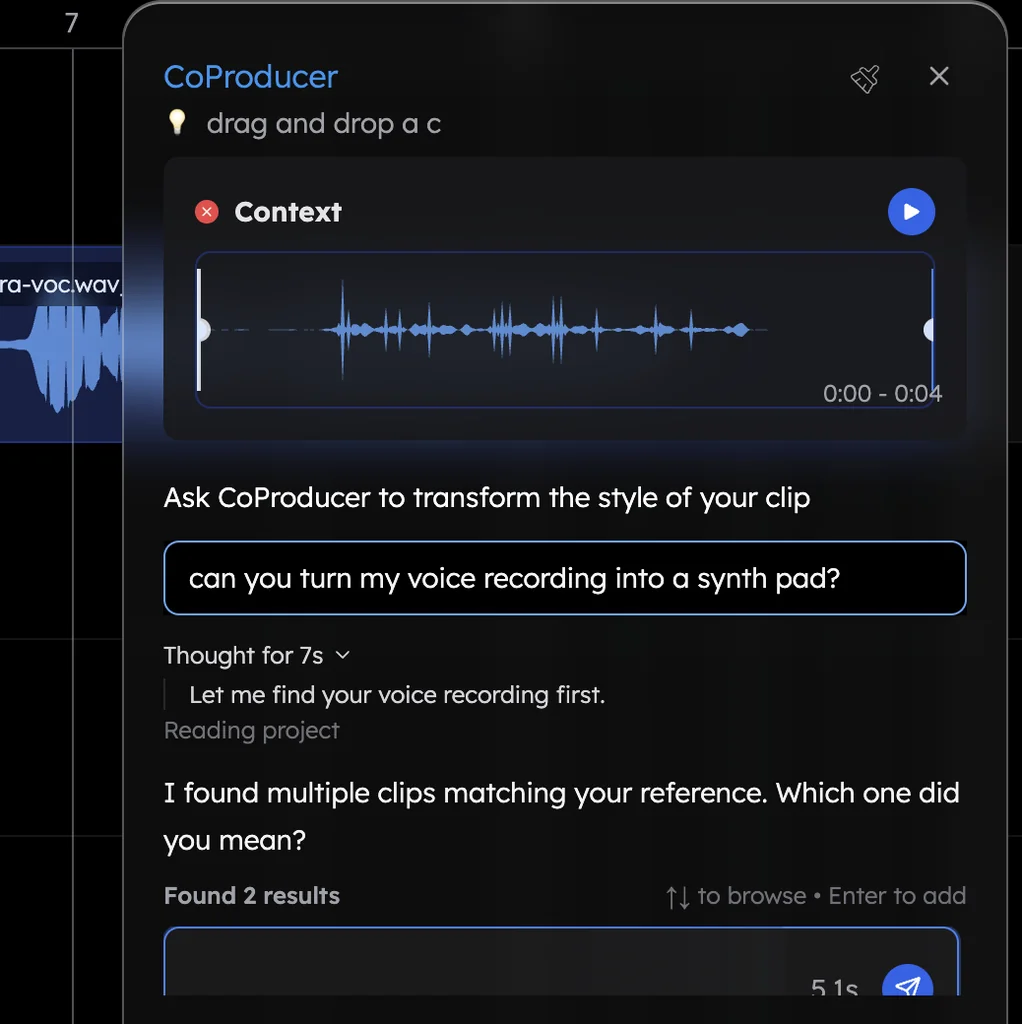
Make a song you can edit note by note, in Veena
- Sign in. Open daw.veena.studio and sign in with Google. No download.
- Start blank. Create a new project and paste the R&B prompt at the bottom of this page into CoProducer.
- Pick your parts. Drums, bass, keys, pad and guitar each arrive as 3 options on their own tracks.
- Edit the music. Revoice the Gm9 in the piano roll, thin the hats in the Beat Maker, or swap the electric piano for a synth and keep every note.
- Record and export. Sing your vocal on its own track, then export WAV, MP3, MIDI or stems, with no watermark.
Veena's free plan holds 5 projects, with CoProducer on a daily allowance. Veena Pro, $20 a month, removes the daily request cap and unlocks the premium models.
Make an 88 BPM R&B slow jam in Bb major: a soft kick, a snappy snare and shuffled hats, a smooth sub bass, lush electric piano on Bbmaj7, Gm9, Cm9 and F13, a warm pad and a short guitar lick answering the vocal line. Intro 4 bars, verse 16, chorus 8, verse 16, chorus 8, bridge 8, chorus 8, outro 4. Leave room for my vocal.
Related reading: Veena help centre · The best Stable Audio alternative · Is Stable Audio free? · How long can Stable Audio tracks be? · Can you get stems from Stable Audio? · MIDI editing in Veena · How do I make music from my own recording?
Try this in Veena
Make an 88 BPM R&B slow jam in Bb major: a soft kick, a snappy snare and shuffled hats, a smooth sub bass, lush electric piano on Bbmaj7, Gm9, Cm9 and F13, a warm pad and a short guitar lick answering the vocal line. Intro 4 bars, verse 16, chorus 8, verse 16, chorus 8, bridge 8, chorus 8, outro 4. Leave room for my vocal.
Opens a new project in Veena, and CoProducer starts building from this prompt.
Frequently asked questions
Can you edit Stable Audio tracks?
As audio. Stability's pages list trimming, fades, replacing a section and extending a take, plus regenerating one track in its beta Sessions app; each new piece of audio costs credits (read 17 Nov 2026). None of its pages mentions editing notes. Veena is an AI DAW with a personal music producer built in. Describe the song you want and CoProducer builds it with you — beats, chords, melody, arrangement and mix — as real tracks you can edit, mix and export. Free, in your browser.
Can I change one part of a Stable Audio track?
By re-generating it. Stability's guide lists REGENERATE, which "Re-records a single track from scratch", and REPLACE SECTION, which re-records "just that stretch", at 4 credits each (read 17 Nov 2026). In Veena you open the part in the piano roll and move the wrong notes, or ask CoProducer for 3 new options for that part only.
Can I edit the chords or melody in Stable Audio?
Stability's pages describe audio edits, not notes: regenerate, replace a section, extend, tape edits and effects (read 17 Nov 2026). In Veena every part CoProducer writes is MIDI: change a chord voicing, rewrite a melody, fix a velocity or swap the instrument while keeping every note.
Can I use my own audio in Stable Audio?
Stable Audio's home page says "Use your own audio as a starting point to create variations, make edits, or rework part of a track"; its Sessions guide adds that a file attached for tempo and key "is not used in the generation" (read 17 Nov 2026). In Veena, bring your own recordings, voice memos, demos and takes, and CoProducer builds parts around them on your timeline.
Does editing a Stable Audio track cost credits?
Some edits do. Stability's guide says "Credits are spent only when the model records new audio": mixing, effects, tape edits, bouncing and export are free; adding, regenerating, replacing or extending costs 4 credits (read 17 Nov 2026). In Veena, editing notes, clips, mix and effects by hand never uses an allowance.
Meet your personal music producer
Free, in your browser. Describe the song you want and CoProducer builds it with you.
Make music free