Who owns music made with Lyria?
Lyria copyright starts with Google's terms, and they answer who owns music made with Lyria in one line: "Some of our services allow you to generate original content. Google won't claim ownership over that content", and its Gemini API terms add: "You acknowledge that Google may generate the same or similar content for others and that we reserve all rights to do so" (policies.google.com and aistudio.google.com, read 17 Nov 2026). Every Lyria track is also marked with Google's SynthID watermark. Veena's terms are plain: you own the Output you generate, on every plan, with no watermark on anything you export.
Veena is an AI DAW with a personal music producer built in. Describe the song you want and CoProducer builds it with you — beats, chords, melody, arrangement and mix — as real tracks you can edit, mix and export. Free, in your browser.
Lyria copyright: what Google's terms say
Read from policies.google.com/terms (effective 30 July 2026), aistudio.google.com/docs/terms (effective 23 March 2026), aistudio.google.com/docs/music-generation, deepmind.google and blog.google on 17 Nov 2026:
- No ownership claim. "Some of our services allow you to generate original content. Google won't claim ownership over that content."
- Not exclusive. The Gemini API terms: "Google may generate the same or similar content for others and that we reserve all rights to do so." They add: "You're responsible for your use of generated content."
- Not passed off as human. Google's terms list "misleading others into thinking that generative AI content was created by a human" among things you must not do.
- Not for training. Nor "using AI-generated content from our services to develop machine learning models or related AI technology".
- Watermarked, always. The Lyria page: "All of our tracks are imperceptibly watermarked with SynthID technology, allowing you to detect whether music has been created or edited using AI." Google's SynthID page says anyone can check an audio file with the SynthID Detector or by asking Gemini.
- No artist voices. The developer docs block prompts that "request specific artist voices or the generation of copyrighted lyrics." Google's Lyria 3 blog: "Music generation with Lyria 3 is designed for original expression, not for mimicking existing artists", with "filters in place to check outputs against existing content."
- Dream Track is shared. YouTube's help centre: once published, Dream Track songs are "available in the Shorts player for all others to view and remix as-is."
For Google Flow Music's own terms, see can I use Google Flow Music songs commercially?
Google is open about how it marks its music, and SynthID is a serious piece of work that anyone can check against. For a musician, that cuts both ways: a Lyria track is a render Google may make again for someone else, carrying a mark that says AI made it. Google's pages do not say what more you would need to claim it as your own work.
Who owns what: Veena vs Google Lyria
| Read 17 Nov 2026 | Veena | Google Lyria |
|---|---|---|
| The rule, in the vendor's terms | You own the Output you generate | Google won't claim ownership |
| Exclusive to you | Your project, your edits | Google may make the same or similar for others |
| Watermark | None on any export | SynthID on every track |
| Your hand in it | Notes you edit, parts you play, vocals you record | The prompt |
| Files you keep | WAV, MP3, stems and MIDI, free | MP3, WAV or MP4 |
Make a song you own, in Veena
- Sign in. Open daw.veena.studio and sign in with Google. No download, no install.
- Start blank. Create a new project and paste the prompt at the bottom of this page into CoProducer.
- Pick your parts. Brushes, upright bass, guitar, piano and cello each arrive as 3 options on their own tracks. Hover to hear, press Enter to keep one.
- Make it yours. Rewrite the guitar line in the piano roll, play your own part, then record your vocal on its own track.
- Export it. Download the WAV, MP3, stems or MIDI, with no watermark, ready to release.
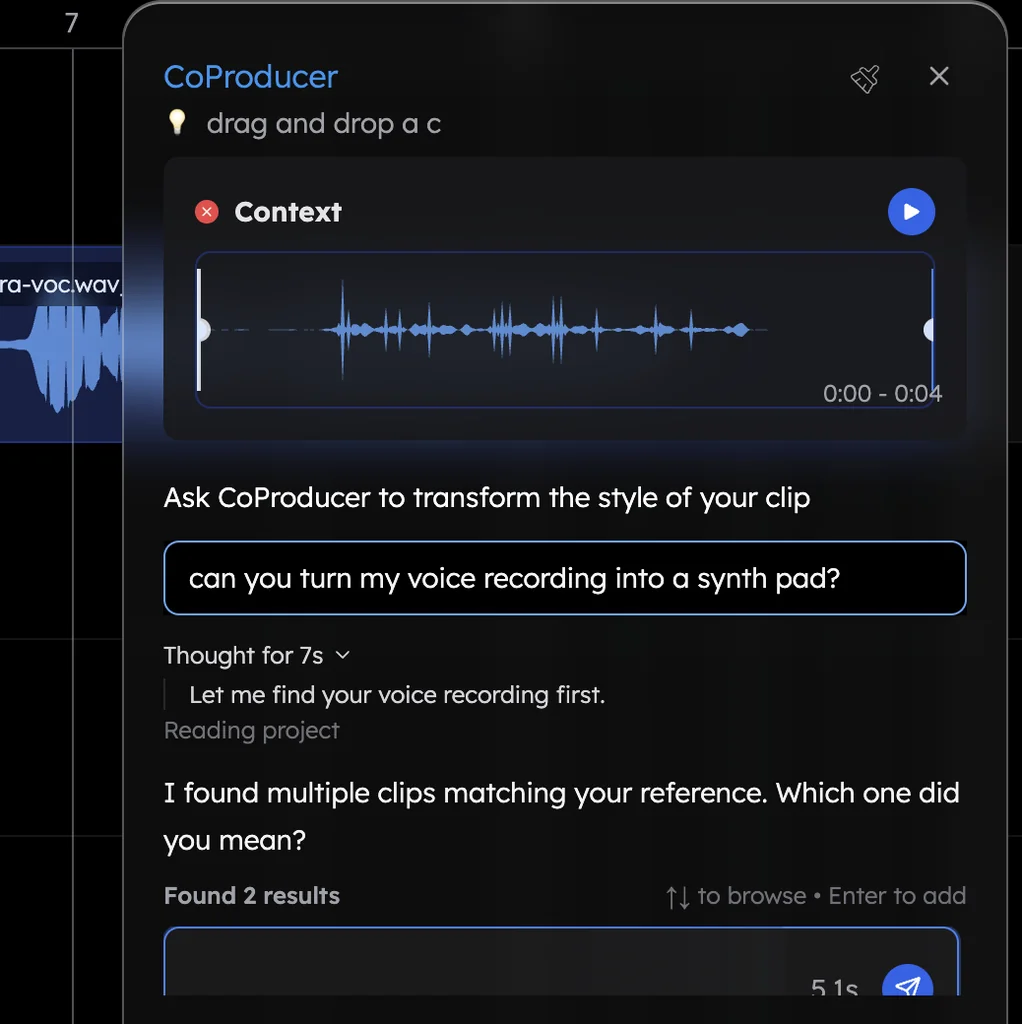
What's free in Veena
- Your song, your rights: Veena's terms say you own the Output you generate, free plan included, and Veena does not train AI on your music.
- Export: WAV 24-bit/48 kHz, MP3 320 kbps, MIDI and stems, with no cap and no watermark.
- CoProducer: a daily allowance of requests. Picking or skipping options does not use it.
- The studio: timeline, piano roll, Beat Maker, mixer, recording and real-time collaboration, with up to 5 projects at a time.
- Stem separation: vocals, drums, bass and other, from your own recordings.
Veena Pro, $20 a month, removes the daily request cap and unlocks the premium models. Ownership and rights in Veena covers the terms in full, Veena's AI music generator shows how a song is built, and Veena vs Suno compares ownership with the best-known generator.
Make a 92 BPM acoustic folk-pop song in G major: 4-bar intro, 8-bar verse, 8-bar chorus, 8-bar verse, 8-bar chorus, 8-bar bridge, 8-bar chorus, 4-bar outro. A brushed kit that enters at the first chorus, a warm upright bass, fingerpicked acoustic guitar, a soft piano doubling the chorus melody and a cello line under the bridge. Leave space for my vocal and keep each part on its own track.
Related reading: What is Google Lyria? · Is Lyria free? · Can you edit Lyria music? · Ownership and rights in Veena · Can you tell if a song was made with AI?
Try this in Veena
Make a 92 BPM acoustic folk-pop song in G major: 4-bar intro, 8-bar verse, 8-bar chorus, 8-bar verse, 8-bar chorus, 8-bar bridge, 8-bar chorus, 4-bar outro. A brushed kit that enters at the first chorus, a warm upright bass, fingerpicked acoustic guitar, a soft piano doubling the chorus melody and a cello line under the bridge. Leave space for my vocal and keep each part on its own track.
Opens a new project in Veena, and CoProducer starts building from this prompt.
Frequently asked questions
Who owns music made with Lyria?
Google's terms say "Google won't claim ownership" of original content its services generate, and its Gemini API terms add that Google "may generate the same or similar content for others" (read 17 Nov 2026). Every Lyria track also carries Google's SynthID watermark. Veena is an AI DAW with a personal music producer built in. Describe the song you want and CoProducer builds it with you — beats, chords, melody, arrangement and mix — as real tracks you can edit, mix and export. Free, in your browser.
Do Lyria songs have a watermark?
Yes. Google's Lyria page says "all of our tracks are imperceptibly watermarked with SynthID technology", and its developer docs say "all generated audio includes a SynthID audio watermark"; anyone can upload a file to Gemini and ask whether Google AI made it (read 17 Nov 2026). Veena adds no watermark, tag or branding to any export, on any plan.
Can someone else get the same Lyria song?
Google's Gemini API terms say "Google may generate the same or similar content for others and that we reserve all rights to do so", and its developer docs note "results may vary between calls, even with the same prompt" (read 17 Nov 2026). In Veena, the song is a project you shape part by part, with notes you edited and vocals you recorded.
Can I make a Lyria song in the style of a famous artist?
Not their voice. Google's developer docs say prompts that "request specific artist voices or the generation of copyrighted lyrics" are blocked, and its Lyria 3 blog says a named artist is taken "as broad creative inspiration" (read 17 Nov 2026). In Veena, CoProducer builds a genre's sound around your idea as tracks you write on, and you own the Output you generate.
Can I say I made a Lyria song myself?
Google's terms list "misleading others into thinking that generative AI content was created by a human" among the things you must not do, and the SynthID watermark stays in the audio (read 17 Nov 2026). In Veena, the parts you play, the notes you change and the vocals you record are your own work, and the project shows it.
Who owns a song made in Veena?
You do. Veena's terms say you own the Output you generate, on every plan, free included. Veena does not train AI on your music, adds no watermark to any export, and lets you take the WAV, MP3, stems and MIDI wherever you release music.
Meet your personal music producer
Free, in your browser. Describe the song you want and CoProducer builds it with you.
Make music free