How to cancel a Boomy subscription
How do you cancel a Boomy subscription? Cancel before your renewal date: Boomy's terms say a monthly plan "will automatically renew at the end of each month, unless you cancel your Membership Plan before the applicable date of renewal", and an annual plan renews for another twelve months the same way (boomy.com/terms, read 23 Nov 2026). Download every song you want to keep first, because ownership follows the download. Then start your next song in Veena, where the whole studio and every export are free.
Veena is an AI DAW with a personal music producer built in. Describe the song you want and CoProducer builds it with you — beats, chords, melody, arrangement and mix — as real tracks you can edit, mix and export. Free, in your browser.
How to cancel a Boomy subscription: what Boomy's own pages say
Read from boomy.com/terms and boomy.com/pricing on 23 Nov 2026:
- Renewal. Section 6.2: monthly plans renew "at the end of each month", annual plans "for additional, successive twelve (12) month periods", in both cases "unless you cancel your Membership Plan before the applicable date of renewal."
- Changing plans. Section 6.3: "You can upgrade or downgrade between Membership Plans at any time on the Service", with the difference charged or "refunded with a reasonable time", back to "the payment method used at the time of your purchase".
- Contact. Questions and complaints go to help@boomy.com.
- After you cancel. The free plan lists "No downloads" and "No commercial use", and Section 8.1 keeps every track you did not download while subscribed as "the sole property of Boomy".
- Releases. Section 6 of the Distribution Terms: Boomy "may, in its discretion, discontinue the Distribution of your Releases", and "you will not be entitled to any amounts accumulated after the date of termination".
Before you cancel Boomy
- List the songs you want. Your Creator plan allows 25 WAV downloads a month and Pro 250, so pick the ones that matter first.
- Download them as WAV while you still subscribe. Ownership in Boomy's terms covers tracks downloaded while subscribed.
- Note your releases. Write down anything Boomy distributes for you, and your Revenue Share balance; withdrawals start at $5.
- Cancel before the renewal date. Monthly plans renew at the end of each month, annual plans at the end of each year.
Leaving: Veena vs Boomy
| Read 23 Nov 2026 | Veena | Boomy |
|---|---|---|
| After you cancel | The whole studio stays free | Free plan: "No downloads", "No commercial use" |
| Your songs | Yours, every one | Downloaded ones yours; the rest Boomy's |
| Exports after you leave | WAV, MP3, MIDI and stems, no cap | None on the free plan |
| Your releases | Wherever you put them | Boomy "may" discontinue them |
| How to cancel | Billing, then Cancel plan, in the studio | Before renewal, "on the Service" |
Start your next song in Veena
- Sign in. Open daw.veena.studio and sign in with Google. No download, no card.
- Start blank. Create a new project and paste the prompt at the bottom of this page into CoProducer.
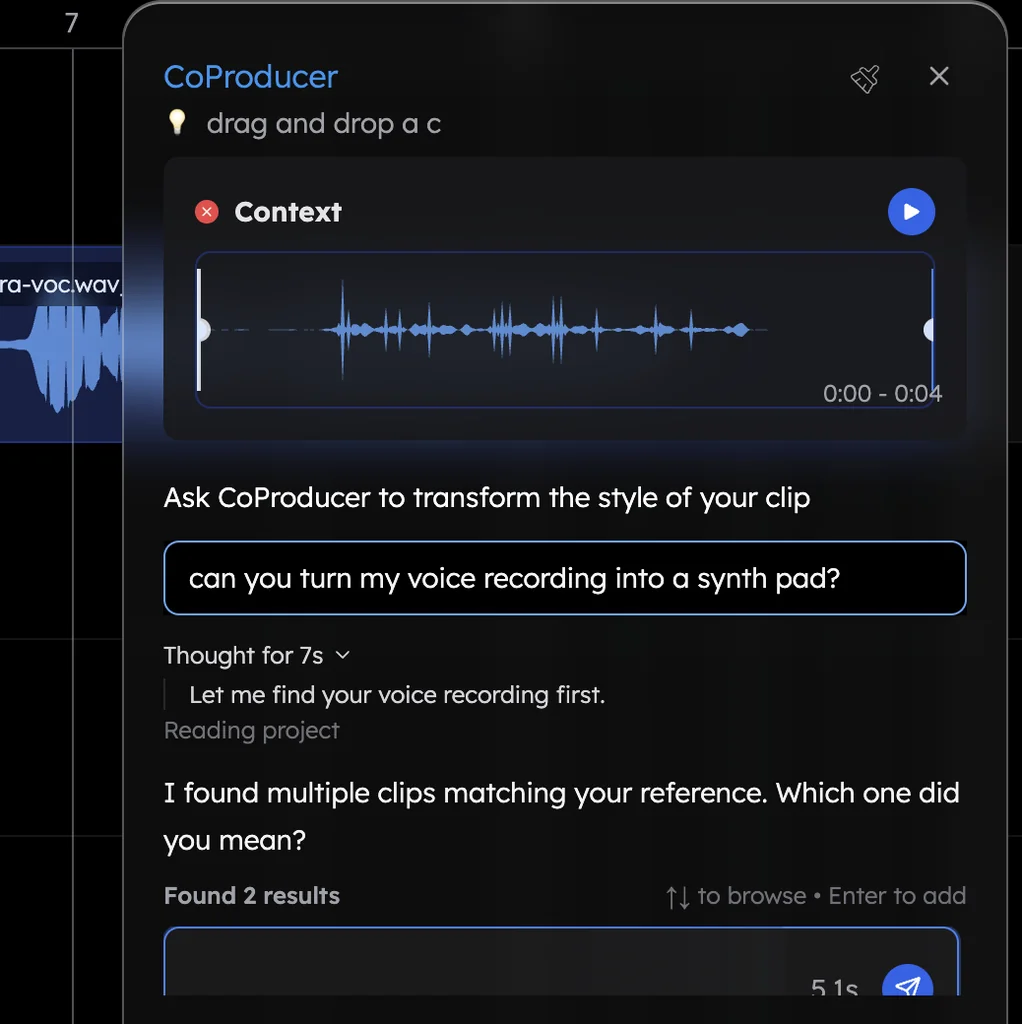
- Pick your parts. 808, hats, bells and choir each arrive as options. Hover to hear, press Enter to keep one.
- Make it yours. Record your vocal, drag notes in the piano roll, and ask CoProducer for harder 808 slides in words.
- Export it. Download the WAV, MP3, stems or MIDI, free, and release it under your own name.
Who owns a Boomy song is covered in do you own Boomy songs?, cancelling Veena Pro is in billing and cancellation, our Boomy alternative guide compares every way out of Boomy, and every other answer is in the Veena help centre.
Make a 140 BPM trap song in C minor: 4-bar intro, 8-bar hook, 16-bar verse, 8-bar hook, 16-bar verse, 8-bar hook, 4-bar outro. Hard 808 with slides, crisp rolling hi-hats, a snappy clap, a dark bell melody, a haunting choir pad in the hooks and a reversed cymbal into every section. Keep every part on its own track and leave space for my vocal.
Related reading: Do you own Boomy songs? · Boomy alternative · Cancel Veena Pro and manage billing · Is Boomy free? · Can you download Boomy songs? · Can you use Boomy songs commercially? · Can you release Boomy songs on Spotify?
Try this in Veena
Make a 140 BPM trap song in C minor: 4-bar intro, 8-bar hook, 16-bar verse, 8-bar hook, 16-bar verse, 8-bar hook, 4-bar outro. Hard 808 with slides, crisp rolling hi-hats, a snappy clap, a dark bell melody, a haunting choir pad in the hooks and a reversed cymbal into every section. Keep every part on its own track and leave space for my vocal.
Opens a new project in Veena, and CoProducer starts building from this prompt.
Frequently asked questions
How do I cancel my Boomy subscription?
Boomy's terms say a monthly plan "will automatically renew at the end of each month, unless you cancel your Membership Plan before the applicable date of renewal", and that you can downgrade between plans "at any time on the Service"; questions go to help@boomy.com (boomy.com/terms, read 23 Nov 2026). Veena is an AI DAW with a personal music producer built in. Describe the song you want and CoProducer builds it with you — beats, chords, melody, arrangement and mix — as real tracks you can edit, mix and export. Free, in your browser.
What should I do before cancelling Boomy?
Download the songs you want to keep while you still subscribe. Boomy's terms carve out ownership only for tracks "downloaded by you while you are actively subscribed" or "downloaded when you were a Subscriber", and the free plan reads "No downloads" (read 23 Nov 2026). In Veena, every export is free on every plan, so there is nothing to rush out before you leave.
Does Boomy refund a cancelled subscription?
Boomy's terms say that if you upgrade or downgrade you are charged the difference or "refunded with a reasonable time", based on how far you are into the plan, back to the original payment method (Section 6.3, read 23 Nov 2026). Veena Pro is $20 a month and runs to the end of the period you paid for after you cancel.
What happens to my Boomy releases if I cancel?
Boomy's distribution terms say that after they end, Boomy "may, in its discretion, discontinue the Distribution of your Releases", and you are not entitled to amounts accumulated after that date (read 23 Nov 2026). A song you make in Veena is a file you own, released through any distributor you choose.
How do I cancel Veena Pro?
Click your avatar at the bottom of Veena's left sidebar and choose Billing. Under Cancellation, click Cancel, pick a reason, click Continue, then Cancel plan and Yes, I understand. Veena Pro runs until the end of the period you paid for, then your account moves to the free plan with every project and export intact.
Meet your personal music producer
Free, in your browser. Describe the song you want and CoProducer builds it with you.
Make music free