Can you use LMMS on a Chromebook?
Can you use LMMS on a Chromebook? Not as a ChromeOS app: LMMS is a download for Linux, Windows and macOS computers, and lmms.io names no ChromeOS, Android or browser version. Veena runs the whole studio in Chrome on your Chromebook, free, with a personal music producer who builds the song with you.
Veena is an AI DAW with a personal music producer built in. Describe the song you want and CoProducer builds it with you — beats, chords, melody, arrangement and mix — as real tracks you can edit, mix and export. Free, in your browser.
Can you use LMMS on a Chromebook? What lmms.io lists
Read on lmms.io and its download page on 16 November 2026:
- LMMS's summary: "Let's make music with a free, cross-platform tool for your computer", for "Linux, Windows or macOS".
- The stable build: LMMS 1.2.2 (changes dated 2020-06-25), as a Linux x86-64 AppImage, a Windows installer and macOS Intel disk images.
- The pre-release: LMMS 1.3.0-alpha.2 adds Linux ARM64, Windows ARM64 and Apple silicon builds, with the warning "Crashes may happen, and in the worst case scenario your project files may break."
- Linux requirements for 1.3: "glibc 2.35 (Ubuntu 22.04 equivalent or newer)" on x86-64, and "glibc 2.39 (Ubuntu 24.04 equivalent or newer)" on ARM64.
- Linux setup: "Run the following command to set the .AppImage executable before running".
No ChromeOS, Android or web version appears on the page, and lmms.io says nothing about running its Linux build inside a Chromebook's Linux environment.
On a Chromebook: Veena vs LMMS
| Read 16 Nov 2026 | Veena | LMMS |
|---|---|---|
| Runs on a Chromebook | Yes, in Chrome | No ChromeOS build listed |
| Install | None: open a tab | A Linux, Windows or macOS download |
| ARM Chromebooks | Same studio in Chrome | ARM64 only in an alpha build |
| Price | Free studio | Free, open source |
| A producer that builds the song | CoProducer, on the free plan | None described |
| Real-time collaboration | Free, by invite link | None described |
| Your phone | Pocket Studio opens the same song | No phone version listed |
LMMS's real strength is that it is free, open-source software with 16 bundled synths for your desktop computer. On a Chromebook, Veena is the full studio that runs in Chrome with nothing to set up; Veena on Chromebook and Linux covers the details, and free DAWs compared ranks the rest of the field.
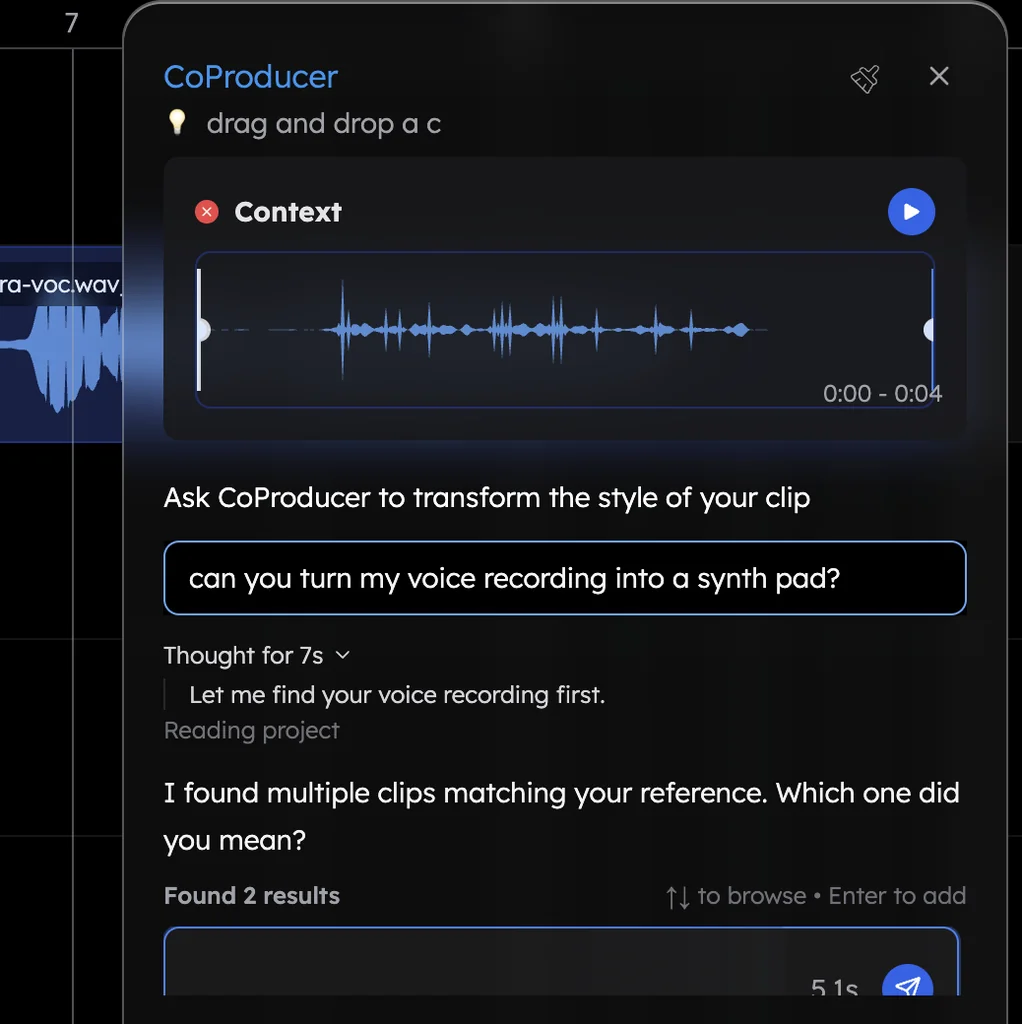
Make a track on your Chromebook in Veena
- Open Chrome. Go to daw.veena.studio and sign in with Google. Nothing to install.
- Describe the track. Paste the deep house prompt at the bottom of this page into CoProducer.
- Pick your parts. Drums, bass, chords and lead each arrive as 3 options. Keep what you like.
- Record and edit. Plug in a USB mic or MIDI keyboard, record over the track, or move notes in the piano roll.
- Export. WAV 24-bit/48 kHz, MP3 320 kbps, MIDI and stems, free, with no watermark.
Everything above runs on the free plan: up to 5 projects and a daily CoProducer allowance. Veena Pro, $20 a month, removes the daily request cap and unlocks the premium models.
Make a 124 BPM deep house track in A minor: a four-on-the-floor kick, offbeat open hats and a clap on 2 and 4, a rolling sub bass, warm Am7, Dm7 and Em7 organ chords, and a short vocal-chop style lead in the drop. Intro 8 bars, build 8, drop 16, break 8, drop 16, outro 8. Keep each part on its own track.
Related reading: Veena help centre · Veena on Chromebook and Linux · Free DAW · Is LMMS free? · Is LMMS good for beginners? · Is Cakewalk still free? · Is Cakewalk Sonar free? · Can you use Bitwig on a Chromebook?
Try this in Veena
Make a 124 BPM deep house track in A minor: a four-on-the-floor kick, offbeat open hats and a clap on 2 and 4, a rolling sub bass, warm Am7, Dm7 and Em7 organ chords, and a short vocal-chop style lead in the drop. Intro 8 bars, build 8, drop 16, break 8, drop 16, outro 8. Keep each part on its own track.
Opens a new project in Veena, and CoProducer starts building from this prompt.
Frequently asked questions
Can you use LMMS on a Chromebook?
Not as a ChromeOS app. lmms.io offers LMMS for "Linux, Windows or macOS", and its download page lists no ChromeOS, Android or browser version (read 16 Nov 2026). Veena is an AI DAW with a personal music producer built in. Describe the song you want and CoProducer builds it with you — beats, chords, melody, arrangement and mix — as real tracks you can edit, mix and export. Free, in your browser.
Can I run the Linux version of LMMS on a Chromebook?
lmms.io doesn't cover it. It offers Linux AppImage builds and never mentions ChromeOS or its Linux environment; its newest builds ask for "glibc 2.35 (Ubuntu 22.04 equivalent or newer)" (read 16 Nov 2026). Veena needs no setup on a Chromebook: open Chrome, sign in with Google, and the whole studio is there.
Is there an LMMS version for ARM Chromebooks?
LMMS's stable 1.2.2 Linux build is x86-64. An ARM64 Linux build exists only as the pre-release 1.3.0-alpha.2, which LMMS warns may crash or break project files (lmms.io, read 16 Nov 2026). Veena runs in Chrome on Intel and ARM Chromebooks alike, because its AI runs on Veena's servers.
Can I open my LMMS projects on a Chromebook?
Not as LMMS projects. On your Windows, Mac or Linux computer, export each track from LMMS as audio and export your MIDI, then drag the files onto Veena's timeline in Chrome. Each lands on its own track, and CoProducer writes new parts around them at the same tempo and key.
What is the best LMMS alternative for a Chromebook?
Veena. It is free in Chrome and gives a Chromebook the full studio: recording, timeline, piano roll, mixer, 17 built-in effects, 4-stem separation and live collaborators, plus CoProducer, who builds the song with you. The same project opens on your phone, too.
Meet your personal music producer
Free, in your browser. Describe the song you want and CoProducer builds it with you.
Make music free